Generate Quiz Questions from Scratch
Learn how to create AI-generated quiz questions from just a topic description using Examize. Perfect when you have a subject in mind but no source material, with customizable question types and grade levels.
- Open Examize Sidebar
- Click Generate
- Select From Scratch
- Configure Question Settings
- Generate Your Questions
Open Examize Sidebar
In your Google Form, navigate to Extensions → Examize to launch the add-on sidebar showing the Examize home screen.
Click Generate
On the Examize home screen, click Generate. This opens the question generation interface where you can choose from three different methods to create quiz questions.
Select From Scratch
Choose From Scratch as your generation method. This option is
perfect when you have a topic in mind but no source material. Simply describe
what you want questions about, and Examize's AI will create comprehensive
questions with answers.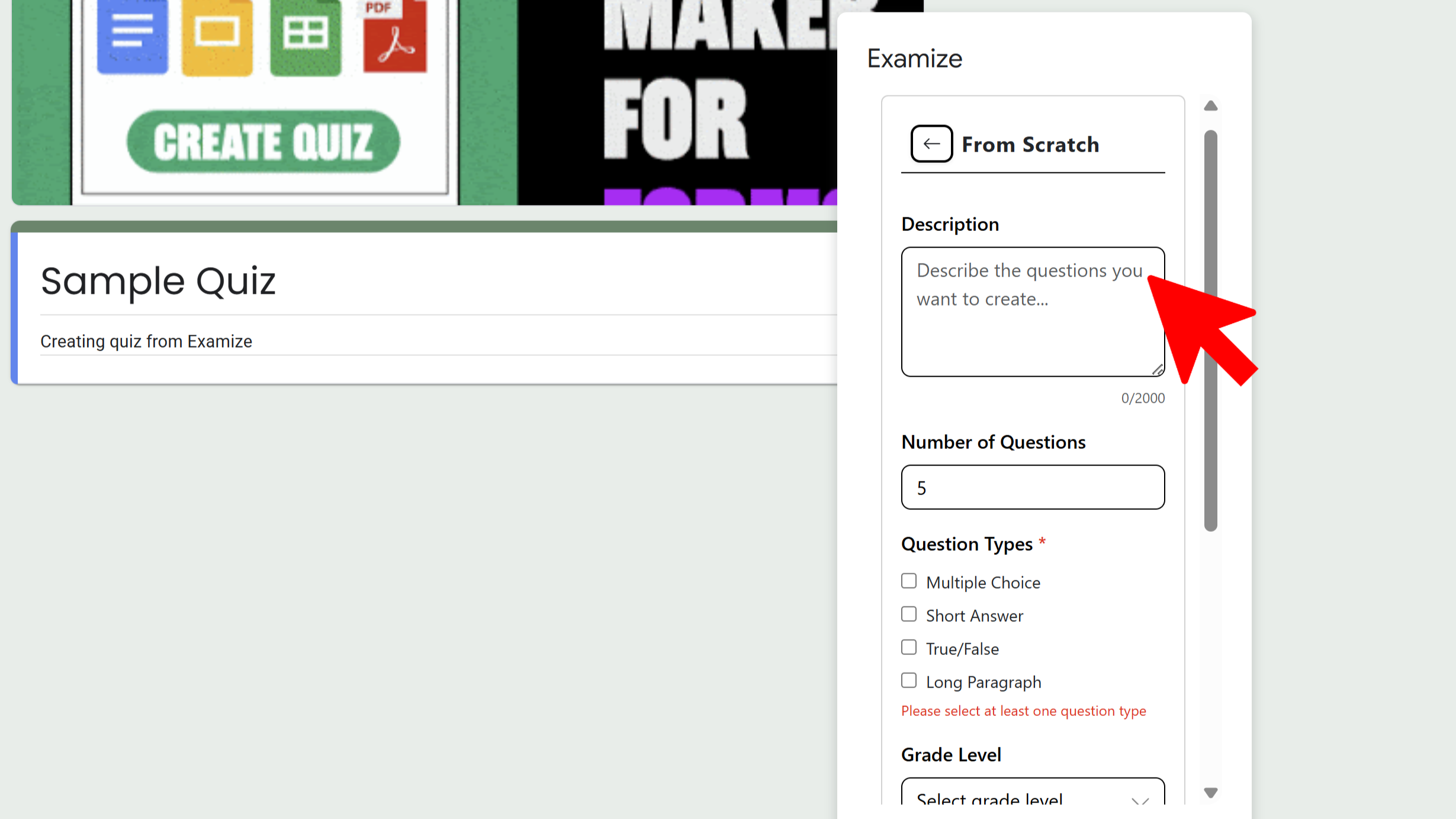
Configure Question Settings
Enter your topic description (e.g., "photosynthesis for 8th grade biology"). Then configure your preferences: choose the number of questions (1-50), select grade level (Elementary to Professional), pick question types (Multiple Choice, Short Answer, True/False, Long Paragraph), select language (70+ options), and configure quiz settings like points per question and feedback type.
Generate Your Questions
Review all your settings, then click Generate Questions.
You'll see real-time progress updates as the AI analyzes your topic and
creates questions. Once complete, questions are automatically added to your
Google Form with answer keys and feedback already configured.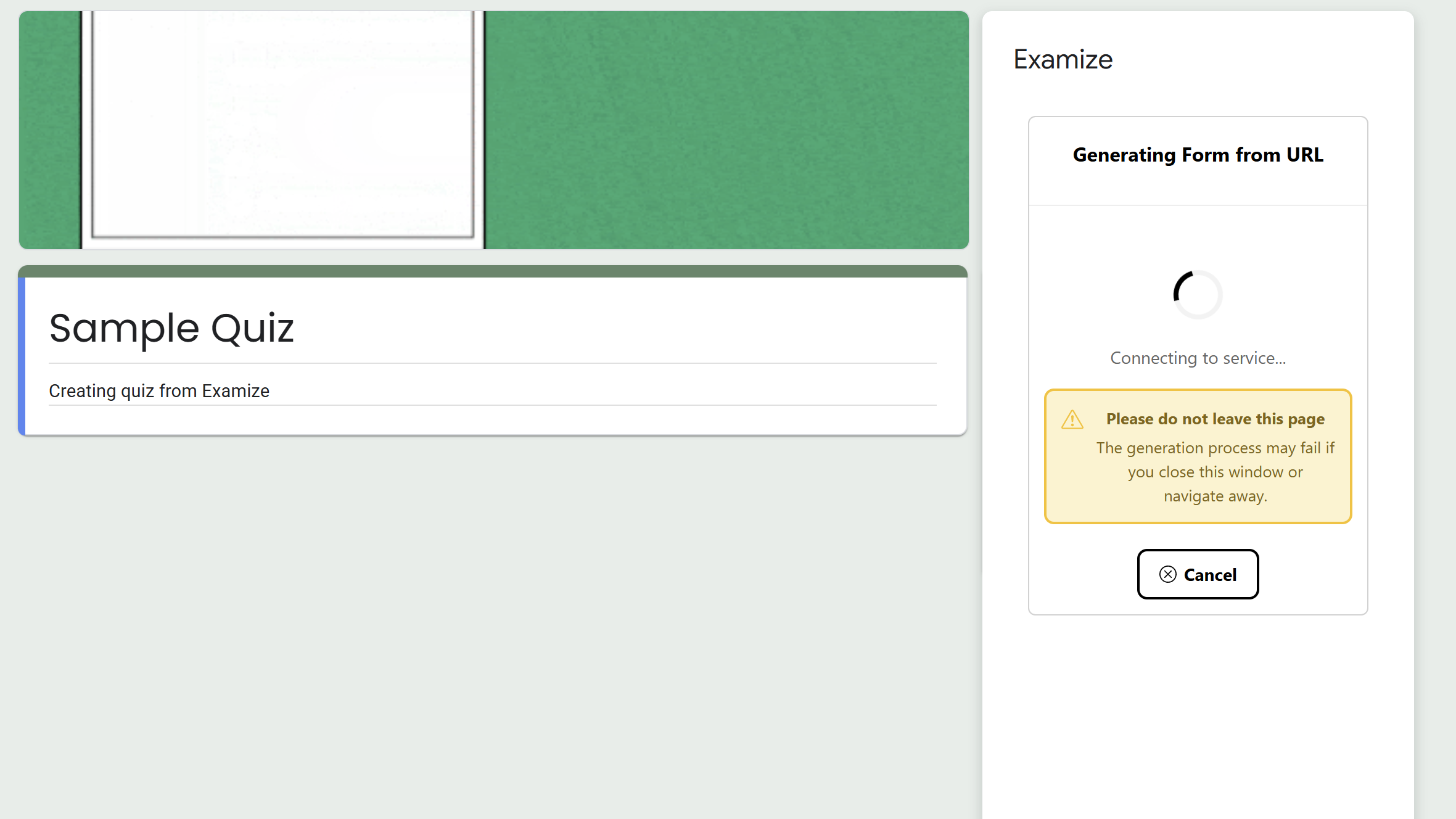
Tips and Best Practices
- Be specific in your topic description - include grade level, subject area, and key concepts for best results.
- Start with fewer questions (5-10) to test the quality before generating larger sets.
- Mix question types to create more engaging and comprehensive assessments.
Common Pitfalls to Avoid
- Don't use vague descriptions - "history questions" is less effective than "World War II causes and effects for high school".
- Remember that AI-generated questions should be reviewed before publishing to ensure accuracy.
- Choose appropriate grade level to ensure questions match your students' abilities.
External Resources
Examize: AI Quiz Maker
Create AI quiz questions for Google Forms in minutes. Generate, translate, and enhance quizzes with support for 70+ languages.
- AI-powered question generation
- Support for 70+ languages
- Multiple question types
- Generate from text, files, or URLs
- Auto-grading with feedback
- Built right into Google Forms